Is It Safe to Download Instagram Stories From Viewer Sites?
Guides · 12 Nov 2026
Instagram stories disappear after 24 hours, and that is exactly why so many people want to save them. Maybe it is a recipe, a travel clip, or a design idea. A quick search brings up dozens of free viewer and downloader sites that promise to save any story in one click. The question is whether those sites are actually safe, and the honest answer is that it depends on which site you land on. Some are plain and harmless; others are packed with fake download buttons, aggressive ads, and pages that collect your data. This guide covers the real risks, how to spot a shady site, and the habits that keep your device and account safe.
This is an informational guide only. StealthGram does not offer a download tool. The goal here is to help you judge these sites for yourself.
Why People Download Instagram Stories
Stories are built to be temporary, but people save them for ordinary reasons: a customer’s kind words, a study tip, a hotel recommendation. Usually, they simply want a copy of something that will vanish by tomorrow.
Instagram itself does not offer a download button for other people’s stories, so third-party sites fill that gap. You paste a username, the site shows the public stories for that account, and you pick one to save. That simplicity is the appeal, and also the problem. Our guide on how to download Instagram stories anonymously explains how they work.
The Real Risks of Story Downloader Sites
Most downloader sites are free, and free sites have to earn money somehow. On the honest ones, that means a few banner ads. On the bad ones, it means tricks that cost you time, privacy, or device security.
Malware and unwanted software. The most common problem is a download button that does not download the story at all. It starts a file you did not ask for, often an installer or a fake player “update”. Real story files are images or short videos. If a click gives you an .exe or an .apk, stop right there.
Fake buttons and ad traps. Many of these sites are covered in ads that look like the real download button. The page might show five or six buttons that all say “Download,” and only one of them, if any, does the job. The rest open new tabs or push you elsewhere.
Phishing pages. Some sites ask you to “log in with Instagram” before showing a story. That is a red flag. A genuine viewer for public stories has no reason to ask for your password, because public stories are visible without an account. Never type your Instagram password into a site that is not instagram.com.
Data harvesting. Even sites that never ask for a password can collect plenty: the profiles you look up, your IP address, and tracking cookies. A few ask for an email address “to send your download link,” which is almost never necessary. We covered this question for StealthGram in does StealthGram track you or save your data.
Account safety. If you do log in somewhere you should not have, the damage can spread quickly. A stolen password can lock you out of your own account or send spam from your profile, and Instagram may flag unusual logins and lock your account temporarily.
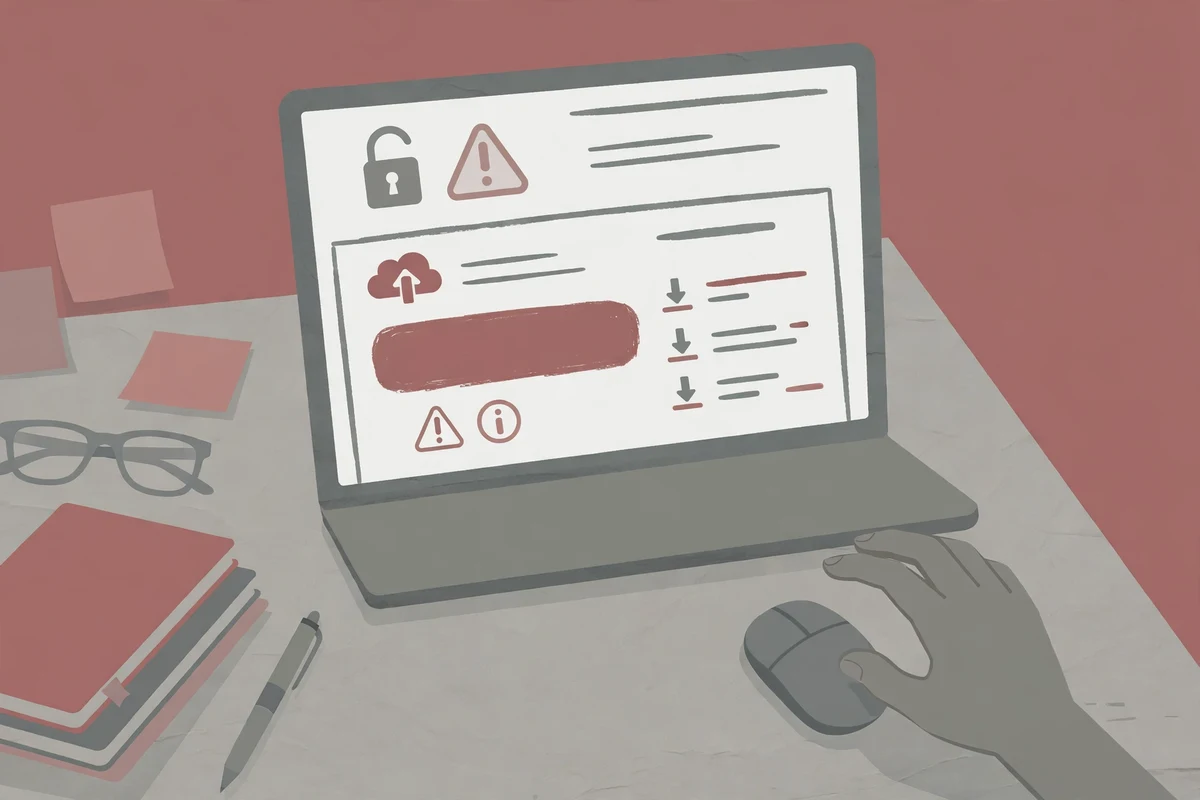
Warning Signs and What to Do Instead
| Warning sign | What to do instead |
|---|---|
| Site asks for your Instagram login | Leave at once; public stories need no login |
| Download starts an installer or app install | Cancel it and close the tab |
| Several “Download” buttons open new tabs | Close them; do not click again |
| Site wants your email to send the file | Do not share it; real downloads work in the browser |
| Page is full of pop-ups and redirects | Treat it as unsafe; find another source |
How to Judge a Site Before You Use It
First, look at the address bar. The connection should be secure, with a padlock icon and an address starting with https. That alone does not prove a site is honest, but a site without it is not worth your time. Second, count the download buttons: a clean page has one clear way to save the story, while a page covered in buttons, timers, and flashing banners is designed to make you click the wrong thing.
Third, check what the site asks for. A viewer for public profiles only needs a username. It does not need your password, your email, your phone number, or an app install.
Finally, no downloader site can show you stories from a private account unless you follow that account. Any site claiming it can unlock private stories is lying; the “verification” step is almost always a survey, a payment page, or a trap. The same applies to viewing Instagram stories without logging in: public profiles only.
What About Your Instagram Account?
Even if you never type your password anywhere, your account can still be affected. Instagram’s rules do not allow third-party sites to access content in ways that break its terms, and accounts linked to that activity can face limits or temporary locks. Simply viewing a public story is low risk, but logging in through a viewer site is a different matter.
The safest habit is simple: keep your Instagram login inside Instagram. Turn on two-factor authentication, so that even if a password ever leaked, your account would still need a second code to open. If you ever entered your password on a site you now doubt, change it right away in the Instagram app and check login activity for sessions you do not recognise.
One more thing worth knowing is the viewer list. Stories show the account owner who viewed them, but only when viewed inside Instagram. If you are wondering whether someone can see that you viewed their Instagram story anonymously, the short version is that viewing through a separate site does not add your name to their list.
Copyright and Consent: Whose Story Is It?
A story belongs to the person who posted it, even when their profile is public. Downloading it for yourself, to watch again later, is generally fine. Reposting it as your own, using it in an ad, or sharing it where the creator never intended is not.
The kindest rule is also the simplest: if you want to share someone else’s story more widely, ask them first. Most people say yes when asked, especially when you credit them. It also protects you, because reposting without permission can lead to takedown requests and copyright complaints.
There is also a legal side, and it varies by country. Downloading a public story for personal use sits in a grey area in many places, while reusing it commercially without permission is much harder to defend. We covered the legal picture in is StealthGram legal: personal use is one thing, public reuse without consent is another.
Safer Habits If You Download Stories
Stick to public profiles only, and only save stories you have a genuine reason to keep. Avoid any site that asks for a login, an email address, or an app install. Keep your browser and phone software updated; updates close the gaps shady sites use. Use a private browsing window on sites you have not used before. And before you click any download button, pause and check whether it is the real one or an ad dressed up to look like it.
The Bottom Line
Downloading Instagram stories from viewer sites is not automatically dangerous, but it is not automatically safe either. The sites range from clean and simple to deliberately deceptive, and telling them apart comes down to a few visible clues: too many download buttons, a login request, a file that is not an image or a video, or a page full of pop-ups. Any one of those is reason enough to close the tab.
Keep it simple. Use these sites only for public profiles, never hand over your Instagram password or your email, and keep the files for personal use. Ask before you repost someone else’s work. The same care applies to other formats too, for example how to download Instagram Reels anonymously.
A saved story is a small thing. A few seconds of caution before you click is all it takes to keep it that way.