StealthGram Not Showing Stories, Highlights or Reels – Fixes
Guides · 13 Nov 2026
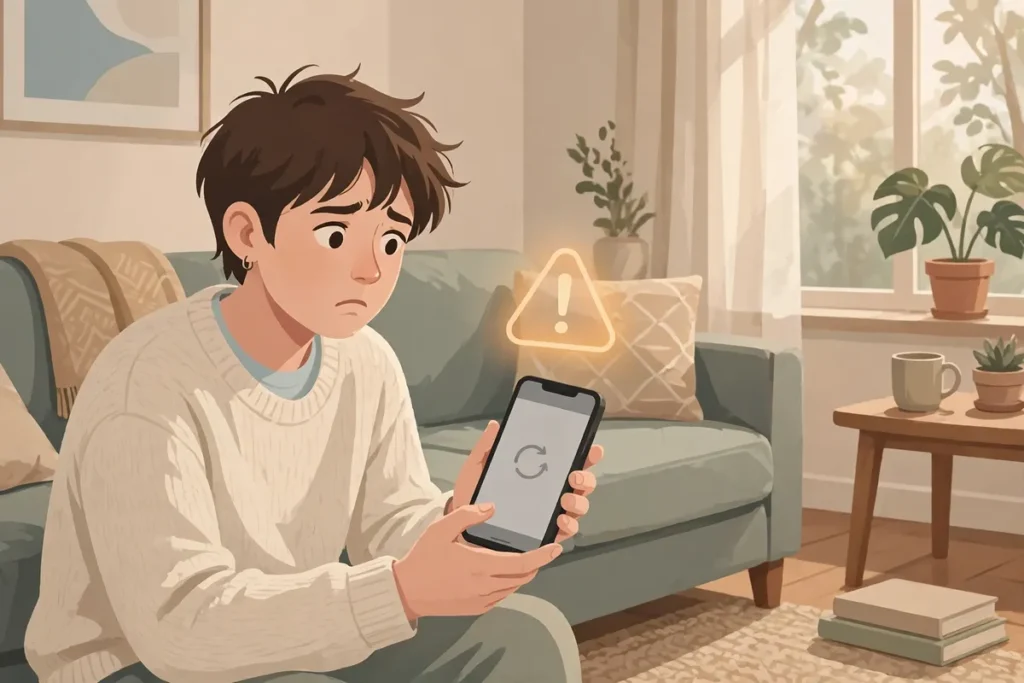
You open StealthGram, type a username, and nothing appears. No stories, no highlights, no reels — just a blank page or a loading circle that never stops. It is frustrating, especially when the same profile worked fine yesterday. The good news is that most of the time the cause is simple, and the fix takes less than a minute.
This is an informational guide only. StealthGram does not offer a download tool. The steps below help you work out why content is not showing, and what to try next.
First, Check the Username
The most common reason nothing shows up is also the easiest to miss: the username is wrong. Instagram usernames are easy to mistype, especially when they contain dots, underscores, or numbers. A single wrong character points StealthGram at a different account — or at no account at all.
Before trying anything else, open the profile in Instagram itself and copy the username exactly as it appears. Paste it into StealthGram rather than typing it from memory. If you are looking for a profile you found through a search, double-check the spelling there too. Our guide on viewing Instagram stories without logging in explains how viewer sites read public profiles, and why the exact username matters.
The Profile May Be Private
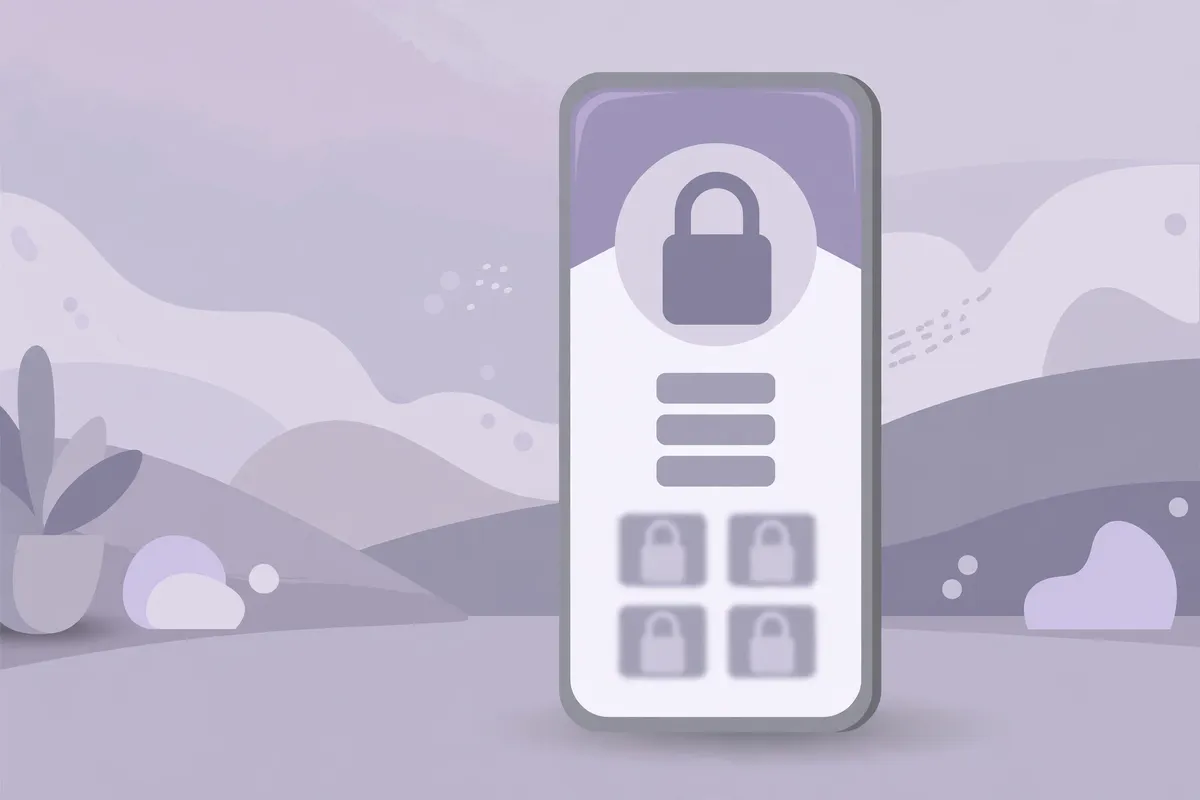
If the username is correct and still nothing appears, the next thing to check is whether the account is private. Viewer sites can only show content from public profiles. When an account is private, its stories, highlights, and reels are visible only to approved followers, and no viewer site can see them.
There is no setting or trick that changes this. Any site claiming it can unlock a private account is not telling the truth, and the “verification” step it asks for is usually a survey, a payment page, or a trap. If the account was public yesterday and private today, the owner may simply have changed their privacy setting. The same rule applies to every format — stories, highlights, and reels alike. We covered the legal picture in is StealthGram legal: personal viewing of public content is one thing, trying to reach private content is another.
The Story or Highlight May Have Expired
Stories disappear after 24 hours. If you are looking for a story you saw yesterday, it may simply be gone. Highlights last longer because the account owner saves them to their profile, but owners can delete a highlight at any time, and when they do, it vanishes from every viewer, not just StealthGram.
Reels behave differently again. A reel can be deleted by its owner, removed by Instagram, or made unavailable in your region. If a reel was there last week and is gone now, it was probably removed rather than hidden by a fault. If you want to understand how highlights work in the first place, our guide on how to view Instagram highlights anonymously explains how highlights are saved.
Quick Fixes to Try First
Before digging deeper, run through these quick checks. Most “not showing” problems are fixed by one of them.
| Problem | Likely cause | Fix |
|---|---|---|
| Nothing loads at all | Wrong username or private account | Copy the exact username from Instagram; check the account is public |
| Stories show, but highlights do not | Highlight deleted or expired | Check the profile in Instagram; if the highlight is gone there, it is gone everywhere |
| Reels are missing | Reel deleted, removed, or region-blocked | Try another reel from the same account to see if the problem is one reel or all of them |
| Page loads halfway, then stops | Slow connection or the site is busy | Wait a minute, then refresh once; try again on a stronger connection |
| It worked yesterday, not today | Stale browser cache or cookies | Clear cache and cookies for the site, then reload |
| Blank page with no error | Ad-blocker or VPN blocking the page | Pause the ad-blocker or VPN for the site, then reload |
Clear Your Browser Cache and Cookies
If StealthGram worked yesterday and shows nothing today, your browser may be serving you a saved copy of the page. Browsers store parts of websites to load them faster, and sometimes that saved copy is out of date or broken. Clearing it forces a fresh load.
In Chrome, open Settings, then Privacy and security, then Delete browsing data, and clear cached images and cookies for the site. In Firefox, the same option sits under Settings, then Privacy and Security. Safari users can clear history for the site from the History menu. After clearing, close the tab, open a fresh one, and try the profile again. A private or incognito window is a quick test too: if the profile loads there, your normal window’s cache was the problem.

Ad-Blockers, VPNs, and Extensions
Ad-blockers and privacy extensions sometimes block more than ads. A viewer site loads profile content from several sources, and an aggressive blocker can stop the parts that carry the stories or reels. If the page is blank or half-loaded, try pausing your ad-blocker just for this site, then reload. If it works, add the site to your blocker’s allow list.
VPNs can cause the same trouble in a different way. Some viewer sites limit or block traffic from VPN servers, especially ones shared by many users, because they look like automated traffic. If you are on a VPN, turn it off for a moment and try again. Other extensions can interfere too: if you have several installed, try a private window, where most extensions are off by default, and see if the content appears.
When the Site Itself Is Down or Slow
Sometimes the problem is not on your side at all. Like any website, StealthGram can go down for maintenance, get overloaded at busy times, or hit a temporary fault. When that happens, every profile fails at once, not just one.
The quickest test is to try a different, popular public profile. If that one loads fine, the site is working and the problem is specific to the profile you first tried. If no profile loads, wait ten minutes and try again. Avoid hammering the refresh button: repeated fast reloads can make a busy server slower for everyone, including you.
When to Wait and Retry
Not every blank page needs a fix. Instagram itself sometimes limits how much outside traffic a profile can receive, and a viewer site may show nothing for a few minutes while that limit resets. A short wait is often all it takes.
A good routine is this: check the username, check the profile is public, clear the cache, pause the ad-blocker, and then wait ten minutes before trying again. If the content still does not appear after that, the story has probably expired, the highlight was deleted, or the account went private. At that point, no amount of refreshing will bring it back.
For more on staying safe while using viewer sites, read is it safe to download Instagram stories from viewer sites, and if you are unsure how StealthGram handles your data, see does StealthGram track you or save your data. The same care applies to other formats too — our guide on how to download Instagram Reels anonymously explains the risks there, and if you want the basics of how these sites work at all, start with how to download Instagram stories anonymously.
The Bottom Line
When StealthGram shows nothing, work through the causes in order: wrong username, private account, expired or deleted content, stale cache, a blocking extension or VPN, and finally a busy or down site. Most of the time the answer is in the first three. Fix what you can, wait a little when you cannot, and remember the simple rule that viewer sites only ever work for public profiles — if a profile is private, nothing on your side will change that.