Anonymous Instagram Profile Viewer – How It Works
Guides · 24 Nov 2026

Anonymous Instagram Profile Viewer – How It Works is a question that comes up a lot, and the honest answer is simpler than most people expect. An anonymous Instagram profile viewer is a web page that loads a public Instagram profile for you, so you can look at someone’s photos, bio and recent posts without logging in or letting them know you were there. No app to install, no account needed — you type a username, and the page fetches whatever Instagram makes public for that account.
These viewers only work for public accounts. If a profile is set to private, there is nothing to load — Instagram does not show a private account’s posts to anyone who is not an approved follower. Any site that promises to unlock a private profile is not telling the truth.
What an Anonymous Instagram Profile Viewer Actually Does
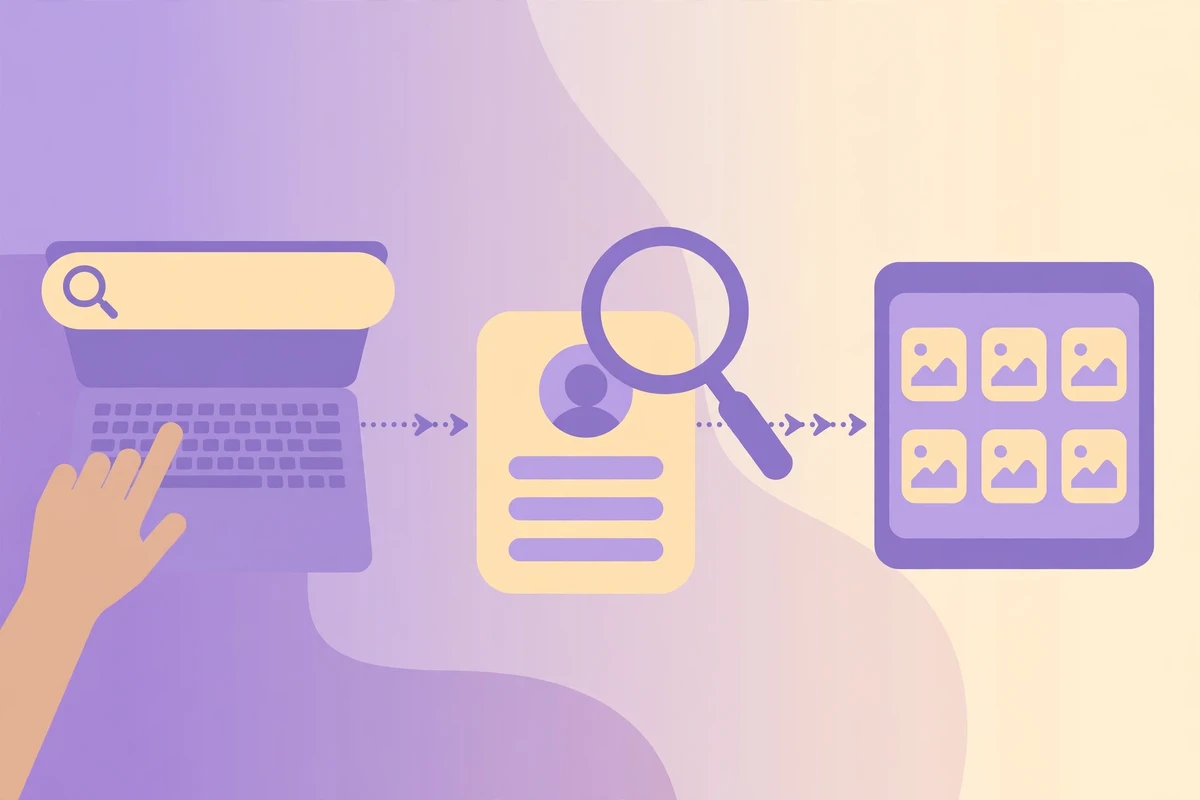
At its core, an anonymous profile viewer is a middleman. Instead of you opening Instagram and visiting a profile yourself, the viewer asks Instagram for that profile’s public page on your behalf. Because the request comes from the viewer’s server rather than your account, Instagram never sees your username, and the profile owner never sees a view from you. Instagram only counts a story view when a logged-in user does it, so browsing through a viewer leaves no trace on your side.
What you get back is the public side of the account: the profile picture, the bio, the follower and following counts, and the grid of posts. Some viewers also show highlights and reels. What you do not get is anything private — no direct messages, no posts from an account that has locked you out. The viewer shows you the same public page anyone could open without logging in, just without your name attached.
How It Works, Step by Step
The whole thing takes less than a minute. Here is what happens at each step.
Step 1: You enter a username. Type the exact Instagram handle into the search box. Spelling matters; a single wrong letter will load a different account or nothing at all.
Step 2: The viewer requests the public profile. The viewer’s server asks Instagram for that account’s public page, much like a browser loading a website. Instagram answers with whatever is public: bio, picture, post grid, highlights. Nothing about you is sent along with it.
Step 3: The results load in your browser. The viewer formats the public information into a simple page you can scroll through. You can tap a photo to see it larger, read captions, and check the post date.
Step 4: You browse, and then you leave. There is no follow, no like, and no view recorded against your name. A good viewer never asks you to create an account or hand over your Instagram login — if one does, close it straight away.
Anonymous Profile Viewer vs the Instagram App vs Search Engines
The easiest way to understand what a viewer is good for is to compare it with the two other ways people look at Instagram profiles.
| Feature | Anonymous Profile Viewer | Instagram App (Logged In) | Search Engine Cache |
|---|---|---|---|
| Do you need an account? | No | Yes | No |
| Does the profile owner see you? | No | Yes, for stories | No |
| Works for private profiles? | No | Only if approved | No |
| Shows latest posts? | Yes, current posts | Yes | Often out of date |
| Can you like or comment? | No | Yes | No |
| Can you download public photos? | Some viewers allow it | No, screenshots only | Rarely |
The trade-off is clear. The Instagram app gives you everything, but shows your name on story views. A search engine keeps you anonymous, but what it shows is usually stale. A viewer sits in the middle: current public content, no account, no trace.
Why People Use an Anonymous Instagram Profile Viewer
Most people who use one are not trying to do anything sneaky. Some have deleted Instagram or never made an account, and still want to check a public profile — a local business, a musician, a friend’s photography page. Others have an account but would rather not leave a story view on someone’s profile, especially an ex, a colleague, or a competitor they are keeping an eye on. If you want to view Instagram posts and profiles without an account, a viewer is the simplest way to do it.
Businesses use them too: a small shop checking a rival’s public posts, a recruiter glancing at a public portfolio, a parent taking a quick look at a public account their teenager follows. It is a quieter way to browse, nothing more.
Public vs Private: The Line You Cannot Cross
This is the part worth understanding properly, because it is where most confusion — and most scams — live. Instagram gives every account owner a choice: public or private. A public account is visible to anyone on the internet; a private one only to people the owner has approved. That setting is enforced by Instagram’s own servers, and no outside website can override it.
So when a viewer shows “profile not found” or a blank page, it usually means the account is private, the username is spelled wrong, or the account was deleted or renamed. If you keep seeing that message, our guide on why a viewer says private account or profile not found walks through each cause.
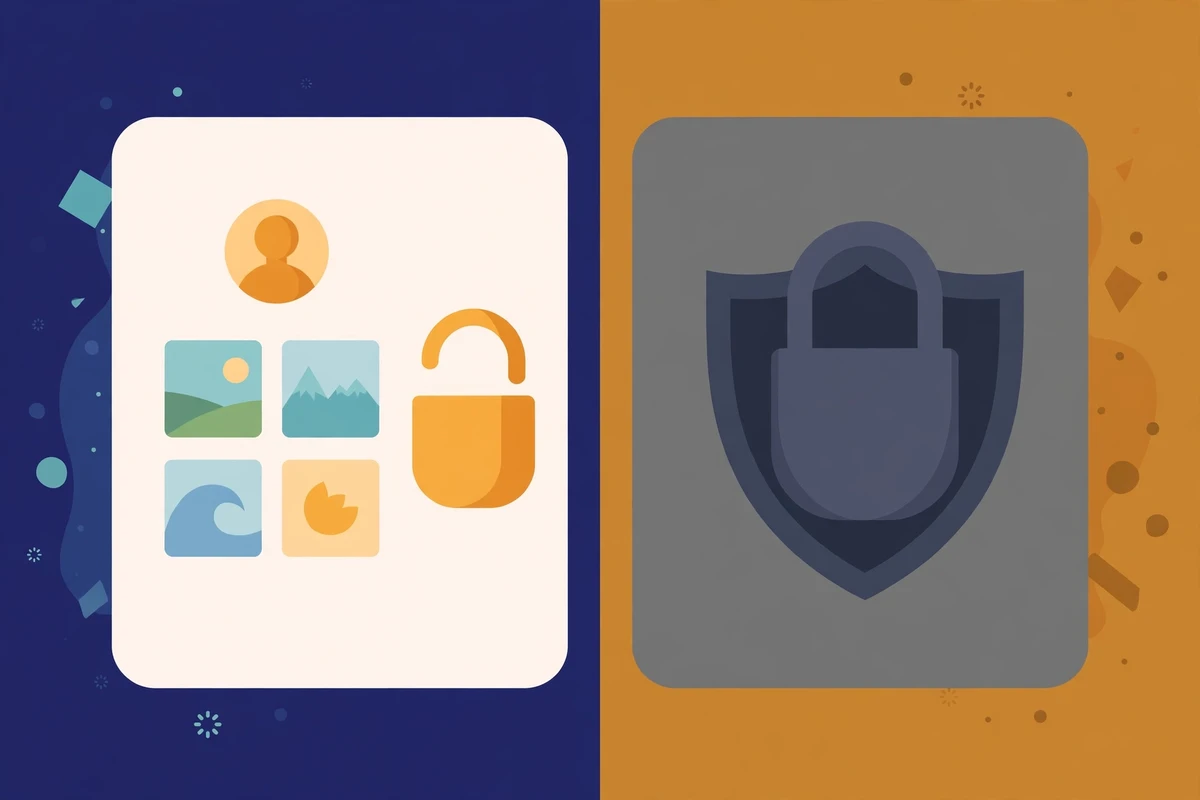
Be wary of any site that claims it can show you a private profile. These sites typically show a fake loading screen, then ask you to complete a survey, install an app, or hand over your own Instagram login — which puts your account at risk. None of them can do what they promise. Instagram does not hand private content to third-party websites, full stop.
Is It Safe to Use One?
A viewer that only shows public profiles is straightforward to use, but a few habits keep it safe. First, never type your own Instagram username and password into a viewer site — a real one has no reason to ask for your login. Second, avoid sites that ask you to install an app, a browser extension or a “verification” tool before showing results.
Third, stick to viewers that work straight from the browser without asking for personal details. If you are wondering whether this kind of browsing is allowed at all, we have covered whether StealthGram is legal separately. And do not repost someone else’s photos as your own — viewing a public profile is one thing; passing a creator’s work off as yours is another.
What You Can Do After Viewing a Profile
Once you have found a public profile, you may want to save something from it. If so, there is a separate walkthrough on how to download Instagram highlights and reels without an app. Beyond that, the viewer itself is the whole tool — browse, and when you are done, close the tab.
Frequently Asked Questions
Does an anonymous Instagram profile viewer really work?
Yes, for public profiles. It loads the same public page anyone could open in a browser without logging in, and shows it to you without your name attached. It does not work for private profiles.
Can the profile owner see that I viewed their profile?
No. Instagram does not notify anyone about profile visits, and a viewer makes its request from its own server, so your account is never involved. Story views are the exception — those are recorded when you watch while logged in.
Do I need to log in or install anything?
No. A proper viewer works entirely in your browser. If a site asks for your Instagram login or tells you to download something first, close it and use a different one.
Why does it say “private account” or “profile not found”?
Usually the account is set to private, the username has a typo, or the account was renamed or deleted. Double-check the spelling first — private accounts simply cannot be viewed by any outside tool.
The Bottom Line
An Anonymous Instagram Profile Viewer is a simple tool with a simple job: it lets you look at a public Instagram profile without an account and without leaving a trace. It asks Instagram for the public page on your behalf and shows you what Instagram already makes public. It cannot open private accounts, read messages, or bypass a login — and any site that says otherwise is selling you something that does not exist.