Why StealthGram Says Private Account or Profile Not Found
Guides · 15 Nov 2026
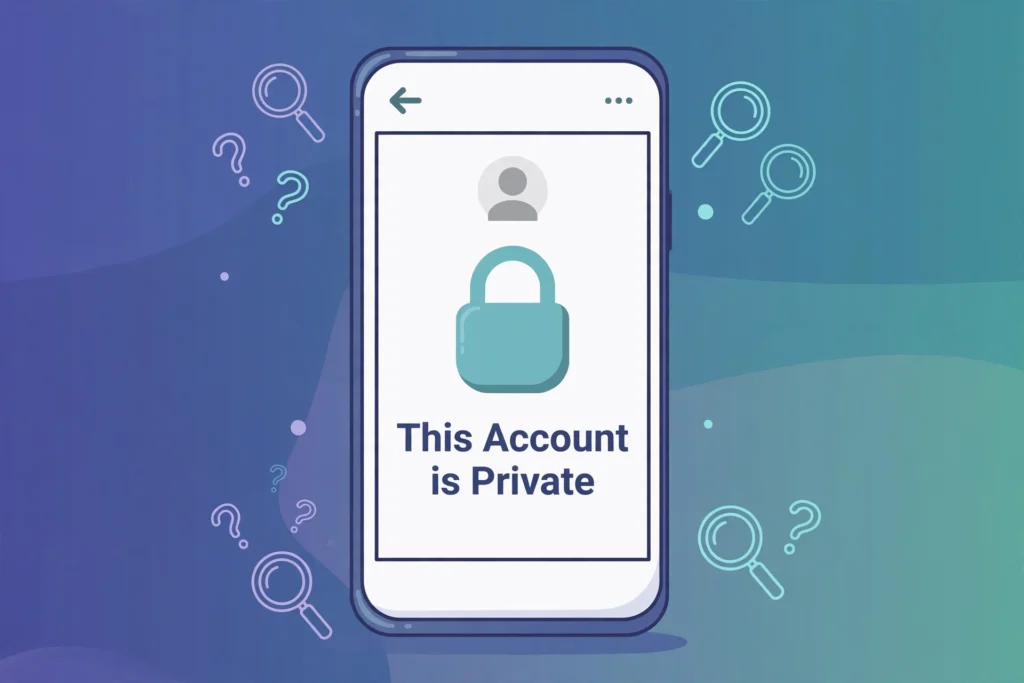
You type a username into a viewer, wait a second, and instead of photos you get a short message: “This Account is Private.” Or the page insists the profile does not exist at all, even though you are sure the person is on Instagram. Both messages are common, both are confusing, and neither one always means what it seems to mean. A private account is a privacy choice. A missing profile can be a typo, a changed username, a deleted account, or a temporary glitch. This guide explains each message, shows you how to tell them apart, and walks through the checks that help. Everything here applies to public viewing only: no viewer can show you a private account’s posts without the owner accepting you as a follower.
What “This Account Is Private” Actually Means
When Instagram shows “This Account is Private,” it means the account owner has turned on the private account setting. Only people they have approved as followers can see their photos, videos, reels, and stories. Everyone else sees the same locked screen: a profile picture, a bio, and a follow button, with the content hidden behind it. That is the whole point of the setting. It is not an error, and it is not a problem with the viewer you are using. StealthGram works the same way as any other viewer here: it can show you what is public, and it stops where Instagram’s own privacy rules begin. If you want to see a private profile’s posts, the only honest route is to send a follow request and wait for the owner to accept it. If they decline, that is their decision, and it should be respected. For a fuller picture of what viewers can and cannot do, see our guide on how to view Instagram posts and profiles without an account.
Why You See “Profile Not Found” Instead
“Profile Not Found” is a different message with a different set of causes. It usually means Instagram could not match what you typed to any account. The most common cause is also the simplest: a typing mistake. Instagram usernames are exact, and one wrong letter, a missing underscore, or a swapped number is enough to land on a page that does not exist. Usernames also change. A person can rename their account at any time, and every old link and saved username pointing to the old name stops working the moment they do. Another possibility is that the account was deleted or temporarily deactivated. Deleted accounts disappear from search entirely, while deactivated ones can return. Finally, the message can come from a technical problem: if Instagram is having a bad day, or the viewer has a stale cache, profiles can fail to load for everyone. Our guides to StealthGram not showing stories, highlights or reels and StealthGram not loading help you tell a site problem from an account problem.
The Most Common Reasons, Side by Side
Most cases fall into one of six buckets. Find the one that matches what you see, and the fix becomes obvious.
| Reason | What It Means | What to Do |
|---|---|---|
| The account is private | Only approved followers can see posts, stories, and reels. | Send a follow request and wait for approval. |
| You typed the username wrong | One wrong letter or missing underscore points to a page that does not exist. | Copy the username from a real link or message instead of typing it. |
| The username changed | The account still exists, but old links and saved names no longer work. | Search by the person’s real name or find a fresh link to their profile. |
| The account was deleted or deactivated | The profile was removed, or paused and hidden for now. | Check again later; a deactivated account may return. |
| You have been blocked | Instagram hides that profile from you completely. | Respect it. There is no workaround that is appropriate. |
| A temporary glitch or outage | Instagram or the viewer failed to load the profile this time. | Refresh, clear the cache, and try again in a few minutes. |
How to Tell Which Reason Applies to You
Work through these checks in order. Most people find the answer within the first three.
1. Check the spelling letter by letter. Open the profile link from where you first found it instead of typing the name from memory. Usernames often hide a double letter, an underscore, or a number at the end. If the link works and your typed version does not, the spelling was the problem.
2. Search by the person’s real name. If the username changed, searching the display name can surface the account under its new handle. A working tag that leads to the profile proves the account exists and the old username is out of date.
3. Try the profile in a browser while logged out. Open the profile URL in a private browser window. If it loads there, the problem is your session or the viewer; if it fails everywhere, the account itself is the cause. See our guide to using StealthGram without logging in for more on viewer checks.
4. Ask a friend to check. If someone else can see the profile and you cannot, you may have been blocked. If nobody can see it, the account is most likely deleted, deactivated, or renamed. One check by a second person settles it.
5. Wait and retry. When Instagram itself is struggling, profiles fail to load and then come back on their own. Wait ten or fifteen minutes and try again before assuming the worst. Viewer lists and profile pages can fail for different reasons at the same time, as explained in our guide to how the Instagram story viewer list works.
If It Is Your Own Account Showing These Messages
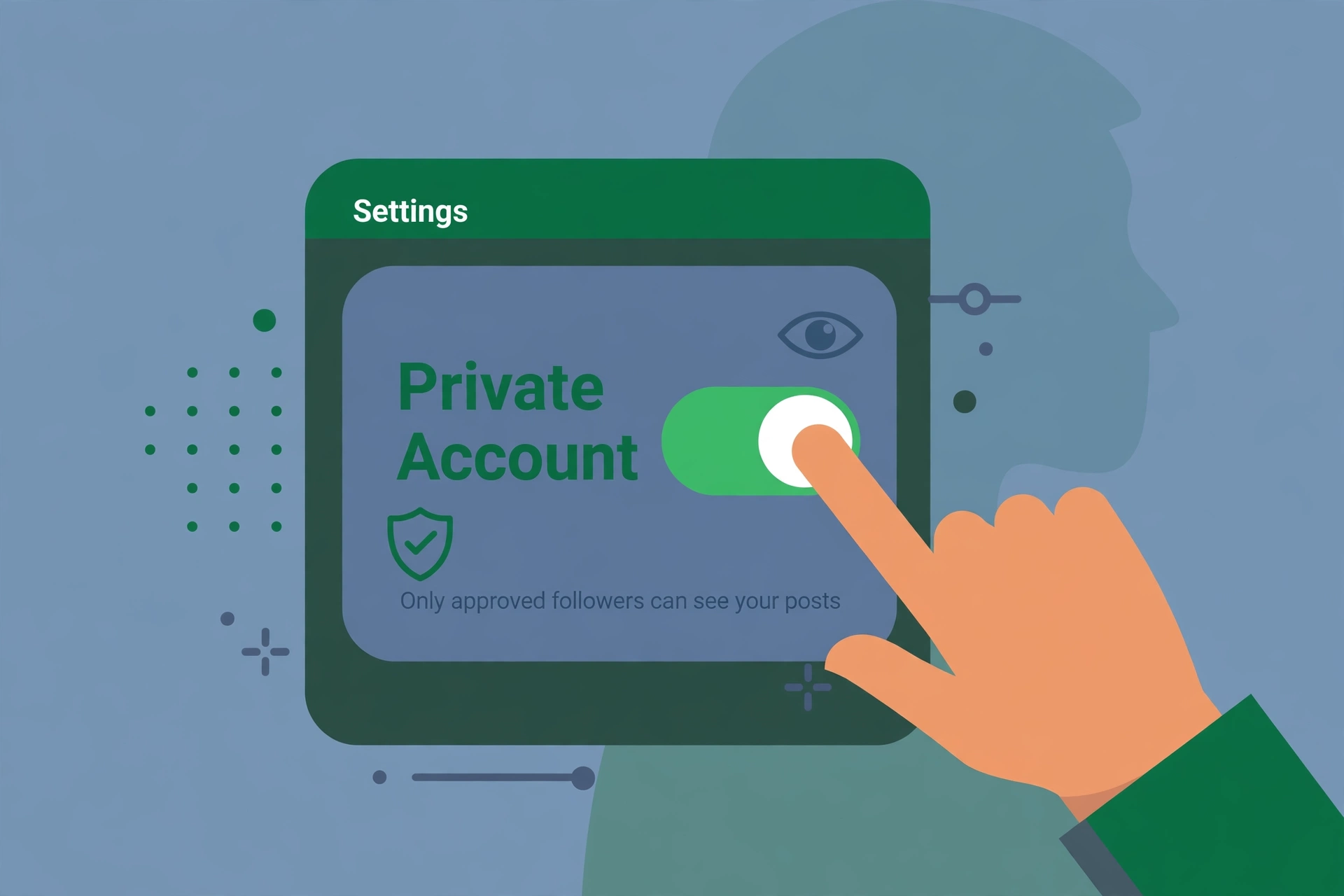
Sometimes the message is about your own profile: a friend says your account shows as private when you thought it was public, or it does not appear in search. Check Settings, then Account privacy, on Instagram. If Private Account is on, only approved followers can see your posts. Many people switch it on and forget. If it is off, your account may be new, you may have changed your username recently, or Instagram may have placed a temporary limit on it. A new account takes a while to appear in search, a username change breaks old links, and a limit lifts on its own. All of these are fixed in Instagram’s own settings, or by waiting.
What You Should Not Do
When a profile will not open, the internet offers plenty of bad advice. Ignore any site or app that promises to unlock a private account or show hidden posts. These services cannot do what they claim. Instagram’s privacy rules are enforced on Instagram’s servers, not in your browser, so no viewer can bypass them. At worst, they ask for your Instagram password, or for payment, and that is how accounts get stolen. If a tool asks for your login details, close the page. A viewer that respects privacy never needs your password. Viewing public content is fine; trying to force access to private content is not, as covered in our guide on whether StealthGram is legal. A trustworthy viewer does not save your searches, as explained in our article on whether StealthGram tracks you or saves your data. And if you worry about your own viewing being noticed, read whether someone can see if you viewed their story anonymously.
Frequently Asked Questions
Can StealthGram show me a private account’s posts?
No. A private account’s posts are visible only to approved followers, because the restriction is enforced by Instagram itself. The only way in is a follow request that the owner accepts.
Does “Profile Not Found” mean I have been blocked?
Not always. A typo, a changed username, a deleted account, or a glitch produce the same message. Ask a friend to check: if they can see the profile and you cannot, a block is likely. If nobody can see it, the account has changed or gone.
Will the profile come back if it was deactivated?
Often, yes. Deactivation is temporary, and the account returns as it was when the owner logs back in. A deleted account is gone for good. There is no way to tell the two apart from the outside, so check again later.
Why can I see the bio but not the posts?
That is exactly what a private account looks like from the outside. The bio, profile picture, and follower counts are public. The posts, stories, and reels are not. If you can see the bio, the account exists, and the private setting is doing its job.
Most of these messages have a simple explanation, and the checks above find it in a few minutes. Start with the spelling, then search by name, then get a second person to look. If the account is private, send a follow request. If it is gone, accept that it may stay gone. To keep watching public highlights without logging in, our guide to viewing Instagram highlights anonymously is a good next read.