Instagram Story Viewer Not Working in 2026 – General Fixes
Guides · 16 Nov 2026
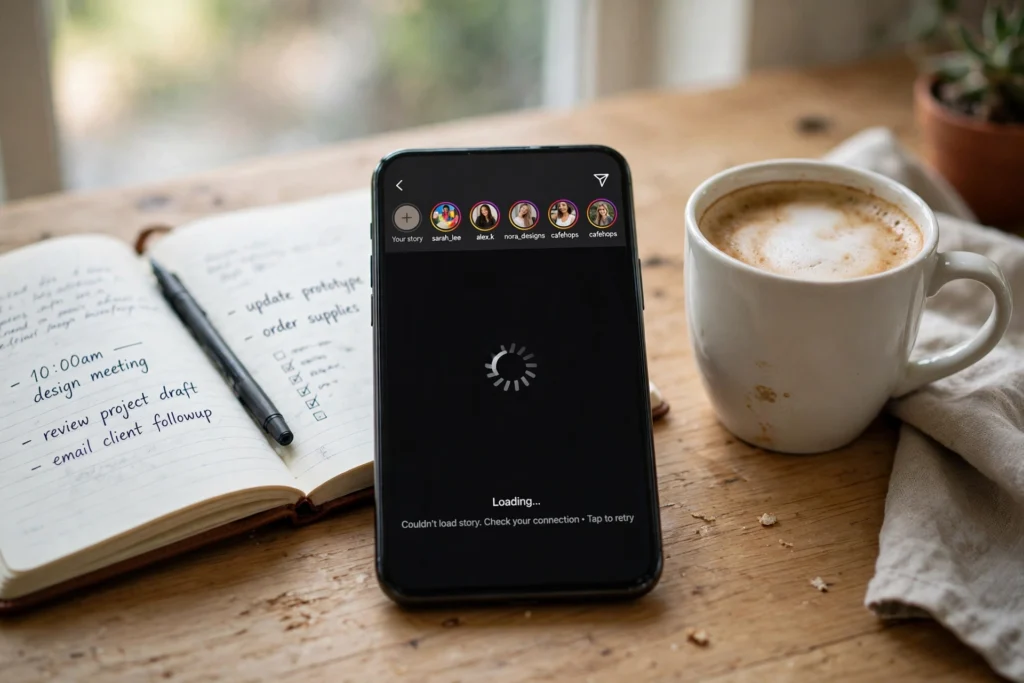
You tap a story circle, and nothing happens. The spinner keeps turning, the screen stays black, or the app shows an error and sends you back to the feed — annoying, especially when the story was posted by someone you actually want to hear from.
The good news is that most story problems have a simple cause: a weak connection, an outdated app, a full cache, or a temporary Instagram outage covers almost every case. This guide walks through the fixes in order, from the quickest checks to the deeper ones.
First, Figure Out Where the Problem Is
Before changing settings, narrow it down: open a different story from another account. If that one loads fine, the problem is with the first story or that account, not your phone. If no story loads at all, the problem is on your side or with Instagram itself.
Also try opening Instagram in your phone’s browser instead of the app. If stories load in the browser but not in the app, the app is the problem. If stories fail in both places, start with your internet connection.
| Problem | Likely Cause | Fix |
|---|---|---|
| Stories keep loading forever | Slow or unstable internet | Switch between Wi-Fi and mobile data, then restart the router |
| Black screen when a story opens | Corrupt app cache or old app version | Clear the cache and update the app |
| “Story unavailable” message | Story expired, deleted, or hidden from you | Check another account’s story to confirm it is only this one |
| Stories won’t play sound | Phone on silent or app volume muted | Turn off silent mode and tap the speaker icon on the story |
| App crashes when opening stories | App bug or low phone storage | Force stop the app, free up space, and reinstall if needed |
| No stories load for anyone | Instagram server outage | Wait and check a status page; nothing on your phone will fix it |
Check Your Internet Connection
Stories are short videos, and videos need a steady connection. A signal that looks fine for text posts can still be too weak for stories. Open another app that uses video and play something — if that also struggles, your connection is the problem.
Switch between Wi-Fi and mobile data and try the story again. On Wi-Fi, move closer to the router or restart it — unplug it for thirty seconds, plug it back in, and wait for the lights to settle. Public Wi-Fi often blocks or slows video, so try mobile data there first.

If your connection is fine everywhere else but stories still will not load, the problem is inside the app — the next fix solves it for most people. A related problem is when StealthGram is not loading at all, and the checks there follow the same idea.
Update the App and Clear the Cache
An old version of Instagram can stop working properly after the company changes something on its servers. Open your app store, search for Instagram, and install any update that is waiting. Then restart the app and try the story again — this one step fixes a surprising number of problems.
If the app is already up to date, clear its cache. On Android, go to Settings, then Apps, then Instagram, then Storage, and tap Clear Cache. This removes temporary files without deleting your account or your saved posts. On iPhone there is no clear-cache button, so the equivalent step is to delete the app and install it again from the App Store — make sure you know your login details first.
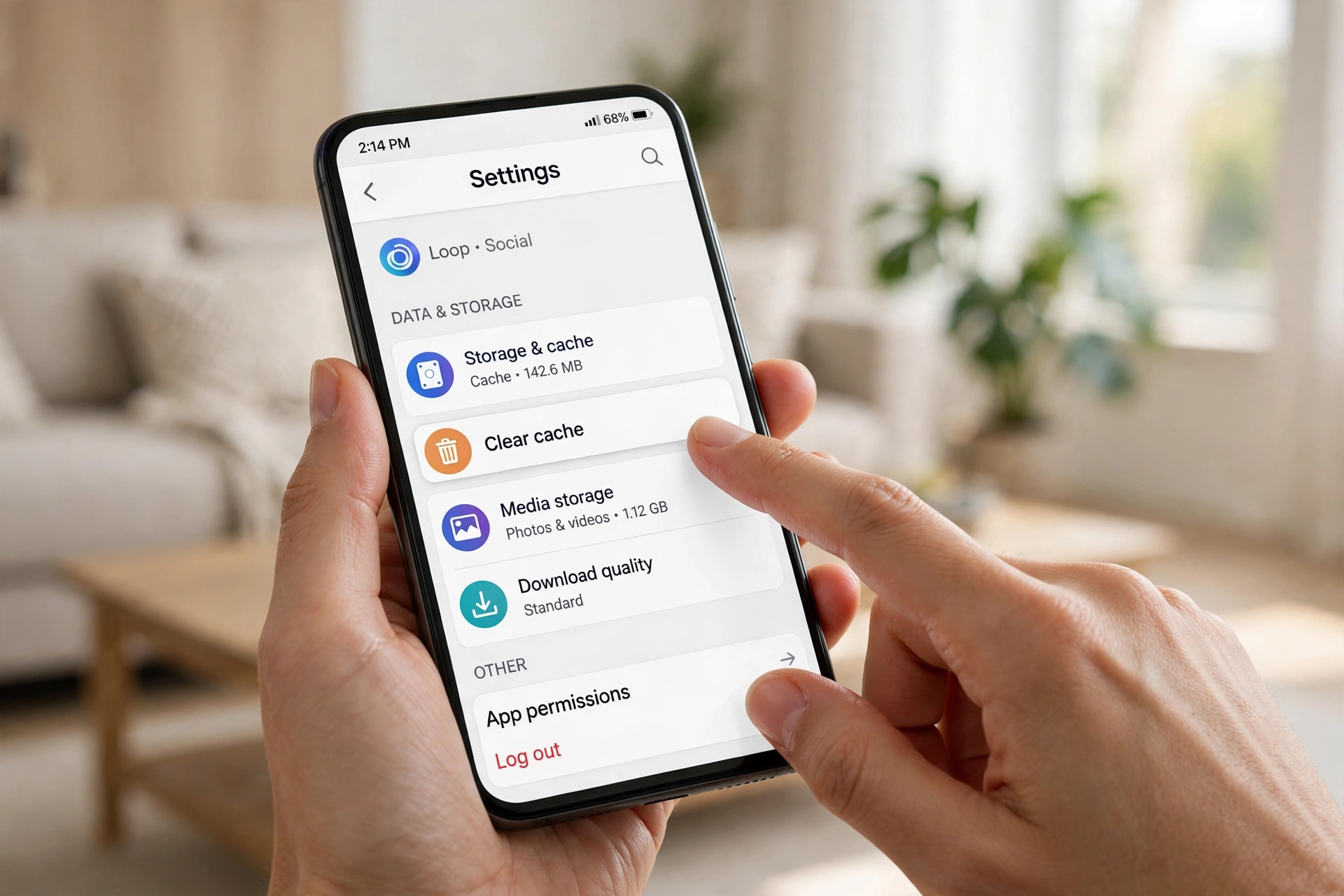
While you are in the settings, check that Instagram has permission to use mobile data and background data. The steps differ slightly if you use Instagram on iPhone or on Android, but the idea is the same: give the app the permissions and the fresh start it needs.
Restart Your Phone
Turn the phone fully off, wait ten seconds, and turn it back on — a restart clears stuck network sessions and frozen app processes. If stories work right after a restart but break again later, your phone may be running low on free storage: free up at least one gigabyte by deleting old videos or unused apps, then try again.
Check Whether Instagram Itself Is Down
Sometimes nothing on your phone is wrong. Instagram has outages, and when its servers have trouble, stories are often the first thing to stop loading while the rest of the feed still works. Check a status site such as Downdetector and search for Instagram — if hundreds of people are reporting the same problem at the same time, it is an outage.
During an outage there is nothing to fix on your side — wait an hour and try again. The same advice applies if a story viewer page will not load: first confirm the service itself is up, as explained in the guide to stories, highlights, or reels not showing.
Account and Privacy Issues
If only one person’s stories fail to load, the cause may be on their side: their account may be private, they may have hidden their stories from you, or they may have blocked you. Ask a friend to check the same account — if it loads for others but not for you, it is a privacy issue, not a technical one.
A related message is the “private account” notice. When a profile is private and you do not follow it, its stories are not available to you at all — no fix on your phone will change that. The guide to why a profile shows as private or not found explains how to tell a private account apart from a deleted or renamed one.
Also check your own account. If you have just changed your password, logged in on a new device, or had Instagram ask you to verify your identity, some features may be limited until the check is complete. Log out and log back in, and complete any verification prompt Instagram shows you.
When the Story Has Expired or Was Deleted
Stories disappear after 24 hours. If you tap a story circle and get a “story unavailable” message, the person may have deleted the story, or it may have expired while you were looking at it — the circle can stay visible briefly after the story itself is gone.
The same applies to stories shared only with close friends. If you were removed from someone’s close friends list, their story will vanish for you even though the circle may still show, and no setting brings it back. To understand what you can and cannot see, it helps to know how the story viewer list works.
Still Not Working? Work Through This Checklist
If you have tried everything above, run through this list in order and stop as soon as stories start working again: force stop the app and open it again; switch networks; update the app; clear the cache or reinstall; restart the phone; then try Instagram in a browser to see whether the app is the problem.
Next, log out and log back in, and check whether the story loads on a different device. If it works there, the problem is your phone, and a full reinstall is the next step. If it fails on every device, the problem is the account or Instagram itself — wait it out.
One more thing to check is your date and time. If your phone’s clock is set wrong, Instagram can refuse to load stories because its security checks fail — turn on automatic date and time in your phone settings. The same care applies when you view stories on a PC or desktop, where the browser cache can cause the same kind of stale loading problem.
Frequently Asked Questions
Why do Instagram stories load on Wi-Fi but not on mobile data? Your mobile data may be restricted for Instagram, or your plan may be slowing video. Check the app’s mobile data permission in your phone settings and whether you have hit a data limit.
Why can I see the story circle but the story won’t open? The story has usually expired or been deleted, or the account has hidden it from you. The circle can stay visible briefly after the story is gone.
Does clearing the cache delete my Instagram account? No. Clearing the cache only removes temporary files — your account, posts, and messages stay as they are. You may need to log in again after a reinstall, so keep your password handy.
Can I view stories without logging in? Instagram itself needs an account for most stories. There are also ways to view public profiles without logging in, but those only work for public accounts — private accounts stay private. If you want to know whether viewer sites are legal, the guide on whether StealthGram is legal covers that, and the note on whether viewer sites track you or save your data covers the privacy side.
Most story problems are fixed by the first three steps: check the connection, update the app, and clear the cache. Work through them in order, and only move on to the deeper checks if the simple ones do not help.